Skip the slider and focus traps
Scroll right over the video—no aiming at a tiny expanding corner bar, and no arrow keys scrolling the page when focus drifts.
Hover over a YouTube video in Safari and scroll with your mouse or trackpad. Fine-tune the sound without hunting for a tiny slider or fighting keyboard focus.
Coming soon to the Mac App Store · Free at launch
macOS 14+ · Safari 26+ Apple Silicon & Intel
Made for the way you watch
Scroll right over the video—no aiming at a tiny expanding corner bar, and no arrow keys scrolling the page when focus drifts.
Adjusts YouTube’s player volume rather than your whole Mac’s system audio, staying in sync with mute and player controls.
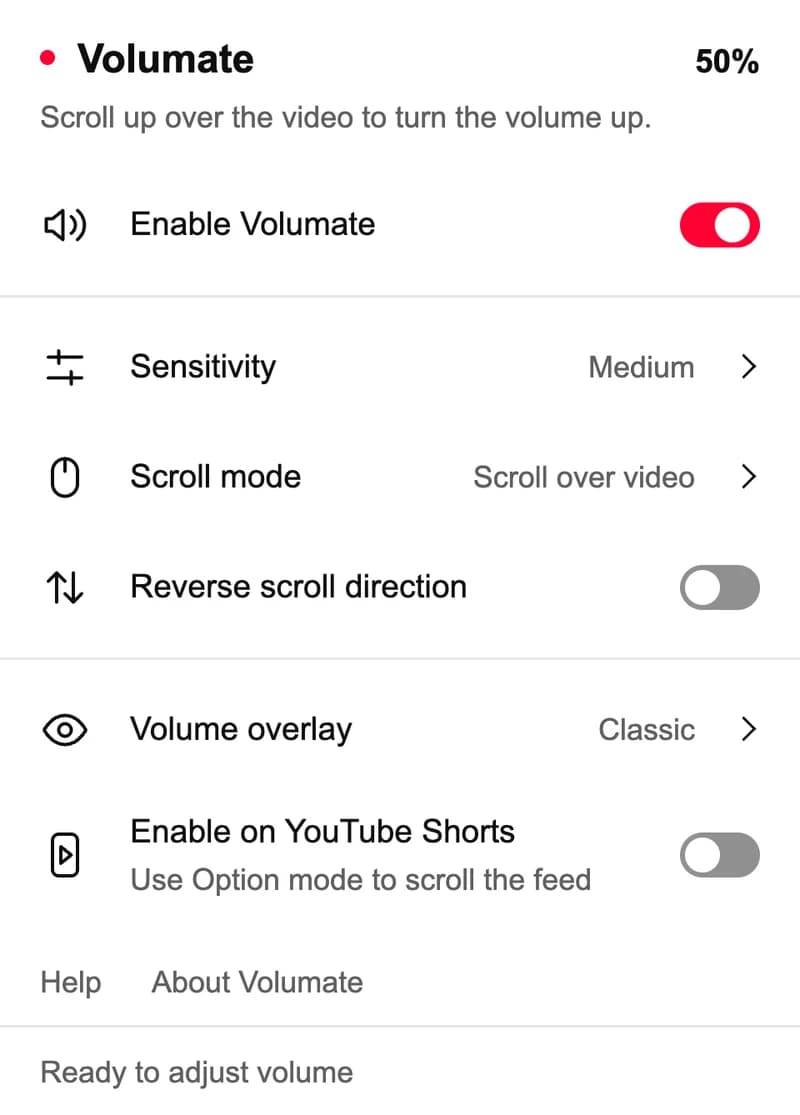
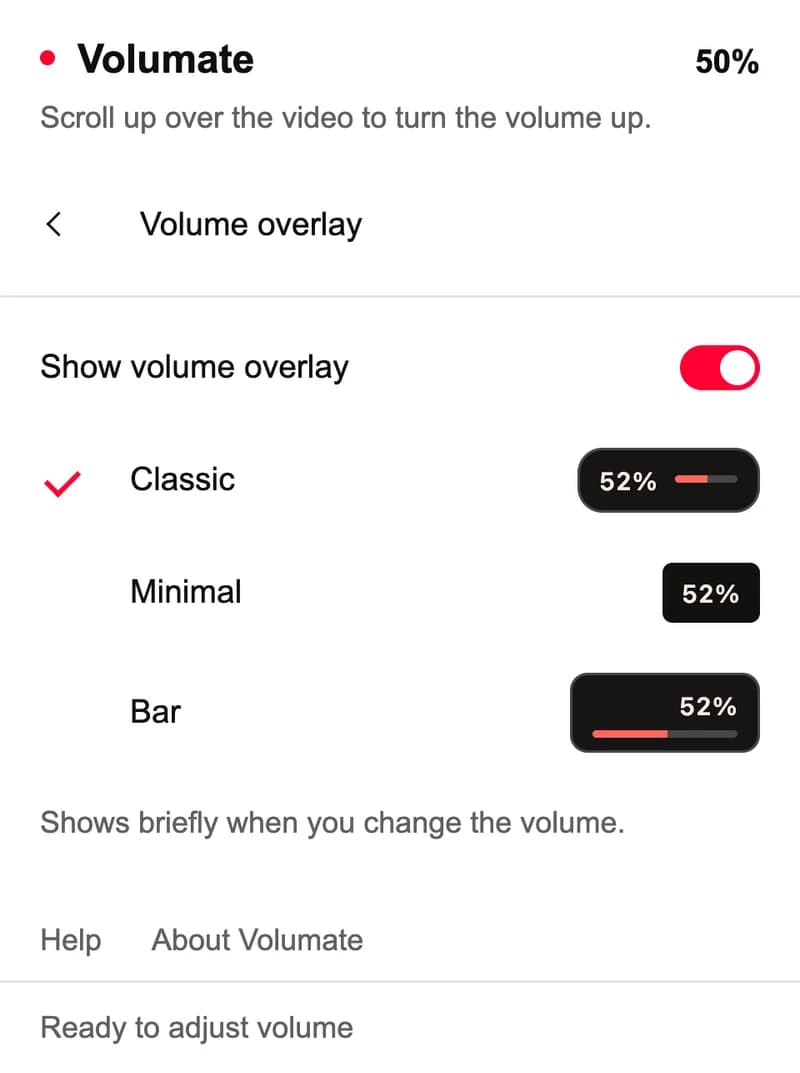
Four sensitivity levels, reversible scroll direction, three optional volume overlays, and Option-scroll when you want a key.
YouTube's in-page player in Safari on Mac, including theater mode. Shorts is optional.
A little more control
Once it’s installed
Once installed, open Volumate and enable it in Safari → Settings → Extensions. You can then quit the companion app.
Allow access to youtube.com in the Safari profile you use. Refresh any YouTube tabs already open.
Move your pointer over the video and scroll. Open the toolbar popup to change sensitivity or enable Option-scroll.
Local by design
Volumate keeps its settings in Safari’s local extension storage. The app and extension don’t collect browsing history or video data, and don’t include analytics. No account is needed.
Read the privacy policyThese statements cover the app and extension. Website hosting, optional links, support email, and video services have separate privacy considerations.
Good to know
The public Mac App Store release is coming soon. This page will link to the verified listing when it is available. Volumate is planned as free, with no account, ads, or subscriptions.
YouTube’s volume control makes you hover over a small corner icon and drag a narrow expanding slider. Up and Down arrow shortcuts only adjust volume when the video player itself has keyboard focus—if you’ve clicked elsewhere on the page, they scroll the page instead, and clicking the video to focus it pauses playback. Mac media keys change system volume for every app. Volumate lets you point at the video and scroll to adjust only YouTube immediately.
Volumate supports the in-page player on youtube.com and www.youtube.com in Safari on Mac. YouTube Music, embedded players on other websites, and other browsers are outside its current scope.
No. Volumate adjusts the video's volume from 0% to 100%. It does not amplify sound or change system volume. YouTube continues to manage its own loudness normalization.
Shorts volume control is optional and off by default. Native Picture in Picture and native video windows are not supported because they are outside the normal webpage interaction area.
On the way
Free for Mac. No account or subscription.
Need a hand? Email Volumate support.