Stay on your current desktop
Full-size video without macOS whisking you to a separate Space or hiding your Safari tabs and other windows.
Expand web videos to fill your current Safari tab—without macOS fullscreen moving you to a new desktop Space, and without losing the original player or controls.
Coming soon to the Mac App Store · Free at launch
macOS 12.3+ · Safari 15.4+ Apple Silicon & Intel
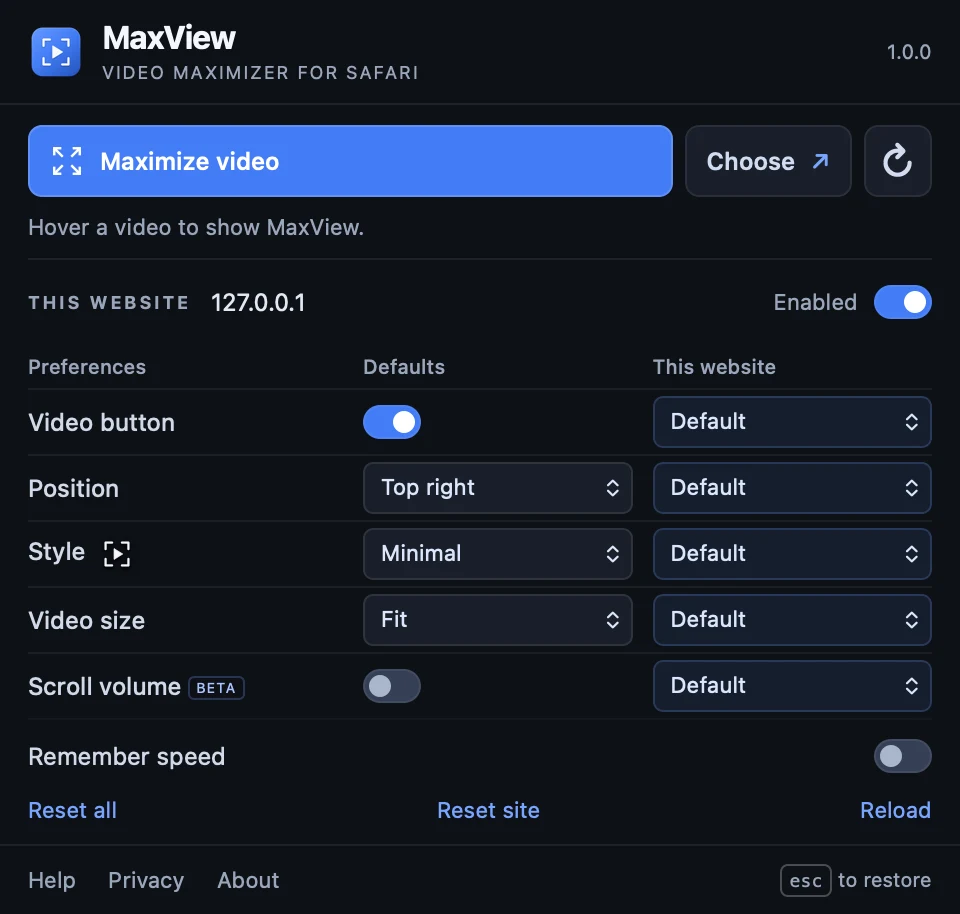
Made for the way you watch
Full-size video without macOS whisking you to a separate Space or hiding your Safari tabs and other windows.
Unlike theater mode, it fills the whole tab—and works on sites without one—while keeping captions and controls.
Pick the right player when a page has several videos, and press Escape anytime to return to your scroll position.
Native web videos, embeds, and many custom players. Website compatibility varies.
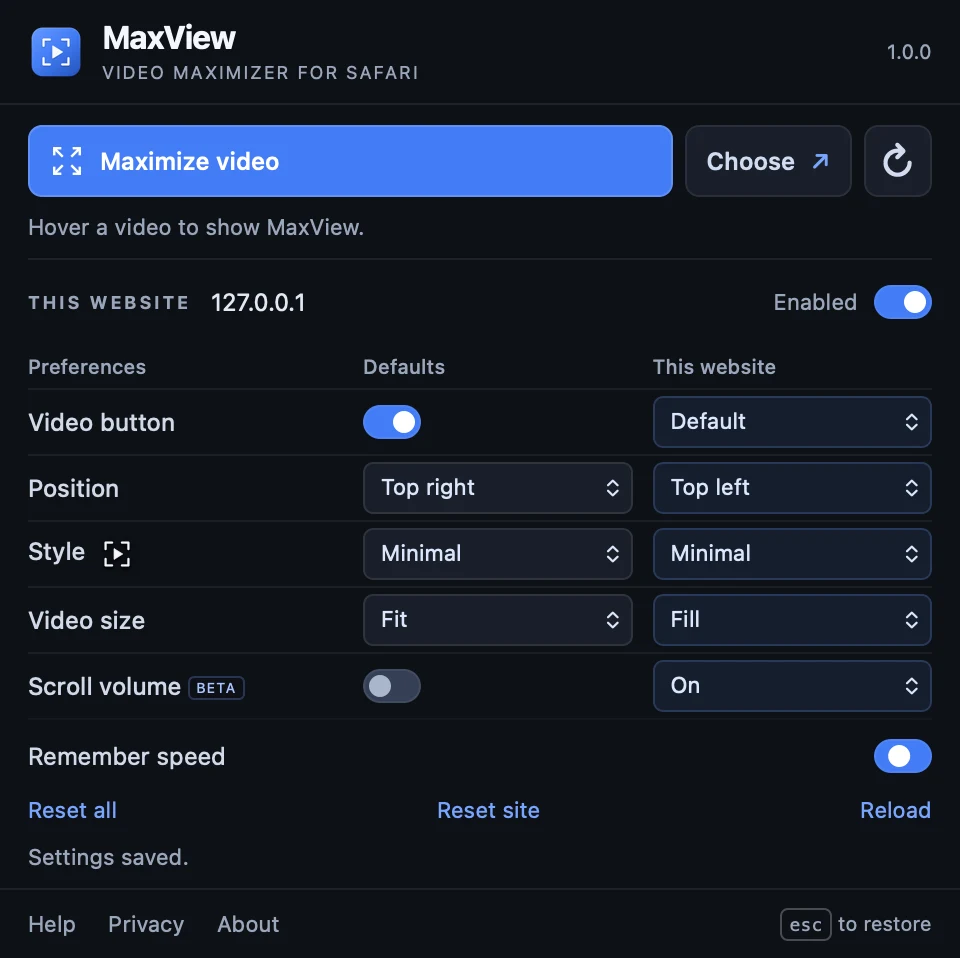
A little more control
Once it’s installed
Once installed, open MaxView, then enable it in Safari → Settings → Extensions.
Allow access to the sites where you watch. Embedded players may also need access to their own website.
Refresh an open page, hover over a video, and select the MaxView button. Press Escape to restore.
Local by design
MaxView keeps its settings in Safari’s local extension storage. The app and extension don’t collect browsing history or video data, and don’t include analytics. No account is needed.
Read the privacy policyThese statements cover the app and extension. Website hosting, optional links, support email, and video services have separate privacy considerations.
Good to know
The public Mac App Store release is coming soon. This page will link to the verified listing when it is available. MaxView is planned as free, with no account, in-app purchases, or subscriptions.
macOS fullscreen moves the video into a separate desktop Space, hiding your tabs and other open windows, and can replace the site’s custom player controls. Built-in theater modes only widen the video partway—and many websites and embeds don’t offer one at all. MaxView fills the current Safari tab while keeping the original player, captions, and quality settings, then returns you to your place on the page with Escape.
MaxView handles native web videos, embeds, and many custom players. Compatibility with protected video, private players, fullscreen, and Picture in Picture depends on Safari and the website. Some players keep their own controls without MaxView's extra media controls.
No. MaxView changes how the existing player fits in the tab. It does not download videos, block ads, or bypass website restrictions.
MaxView is built for Safari on Apple Silicon and Intel Macs, targeting macOS 12.3 and Safari 15.4 or later. There is no iPhone, iPad, Chrome, or Firefox release.

On the way
Free for Mac. No account or subscription.
Need a hand? Email MaxView support.